
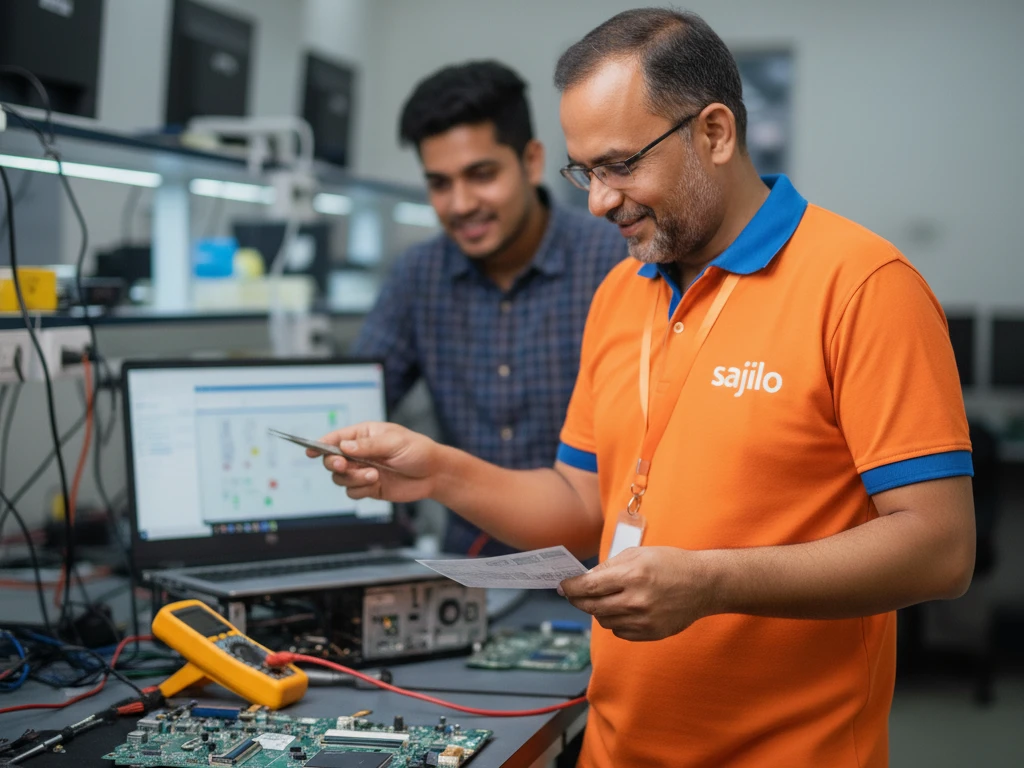
Your laptop is an essential part of your daily life whether it’s for work, study or entertainment. But like any machine, it needs regular maintenance to perform smoothly.nIn Kathmandu, where dust ,heat and heavy usage are common, laptops often face performance issues sooner than expected. Ignoring early warning signs can lead to serious damage, costly repairs or even complete data loss.
We’ll walk you through the most common signs your laptop needs servicing and when it’s time to call a professional like Sajilo Sewa.
⚠️ 1. Your Laptop Is Getting Slow
If your laptop takes forever to start, open apps, or switch between tasks, it’s a clear sign something is wrong.
Possible Causes:
Too many background applications
Virus or malware infection
Low storage or RAM issues
Outdated system
👉 Solution:
Basic cleanup might help temporarily, but if the problem persists, professional servicing is recommended.
🔥 2. Overheating Issues
Does your laptop get unusually hot even during simple tasks?
Why It Happens:
Dust buildup inside the fan
Blocked air vents
Dried-out thermal paste
👉 Why It’s Dangerous:
Overheating can damage internal components like the motherboard or processor.
👉 Expert Fix:
Deep cleaning and thermal paste replacement can solve this issue effectively.
🌀 3. Loud Fan Noise
If your laptop fan sounds like it’s working overtime, it’s trying to cool down internal heat.
Common Reasons:
Dust accumulation
Heavy background processes
Cooling system failure
👉 Don’t Ignore:
This often leads to overheating and performance drops.
⚡ 4. Battery Draining Quickly
Is your fully charged laptop dying within a short time?
Possible Causes:
Battery wear and tear
Background apps consuming power
Charging issues
👉 Solution:
Battery replacement or system optimization may be needed.
💻 5. Frequent Hanging or Freezing
Does your laptop freeze while working or crash unexpectedly?
This Could Mean:
Software corruption
Hard disk issues
RAM problems
👉 Important:
Frequent crashes can lead to data loss if ignored.
🦠 6. Virus or Malware Issues
Pop-ups, unknown apps or unusual behavior? Your laptop might be infected.
Warning Signs:
Sudden slow performance
Unauthorized access
Files getting corrupted
👉 Fix:
Professional virus removal ensures your data stays safe.
🔌 7. Ports or Keyboard Not Working
If USB ports, charging ports, or keys stop working, it affects usability.
Causes:
Physical damage
Dust or debris
Internal connection issues
👉 Solution:
Repair or replacement by experts.
📶 8. Connectivity Problems
Facing Wi-Fi or Bluetooth issues?
Possible Reasons:
Driver issues
Hardware faults
Network card problems
👉 Fix:
Technical diagnosis is required to identify the root cause.
🚨 When Should You Call an Expert?
If you notice any of these signs repeatedly, it’s time to stop DIY fixes
Issues persist after basic troubleshooting
Your laptop overheats regularly
You hear unusual noises
Performance drops significantly
🔧 Why Choose Sajilo Sewa for Laptop Servicing?
✅ Experienced and verified technicians
✅ Doorstep service in Kathmandu
✅ Affordable and transparent pricing
✅ 30 days service warranty
✅ Genuine parts and professional tools
We ensure your laptop gets the care it needs so you can get back to work without stress.
📞 Book Your Laptop Service Today
Don’t wait for your laptop to completely break down. Early servicing can save you time, money, and important data.
👉 Book your laptop servicing with Sajilo Sewa today and enjoy hassle-free performance!
❓ FAQ Section
1. How often should I service my laptop?
At least once every 6–12 months, depending on usage.
2. How much does laptop servicing cost in Kathmandu?
Costs vary based on the issue, but basic servicing is affordable and prevents bigger expenses later.
3. Can I clean my laptop myself?
External cleaning is fine, but internal cleaning should be done by professionals.
4. Does servicing improve performance?
Yes, it can significantly boost speed, cooling, and overall efficiency.
The Sajilo Editorial team is made up of our service leads, project managers, and customer experience folks. We write to make home-running less stressful.
See all 173 articles